


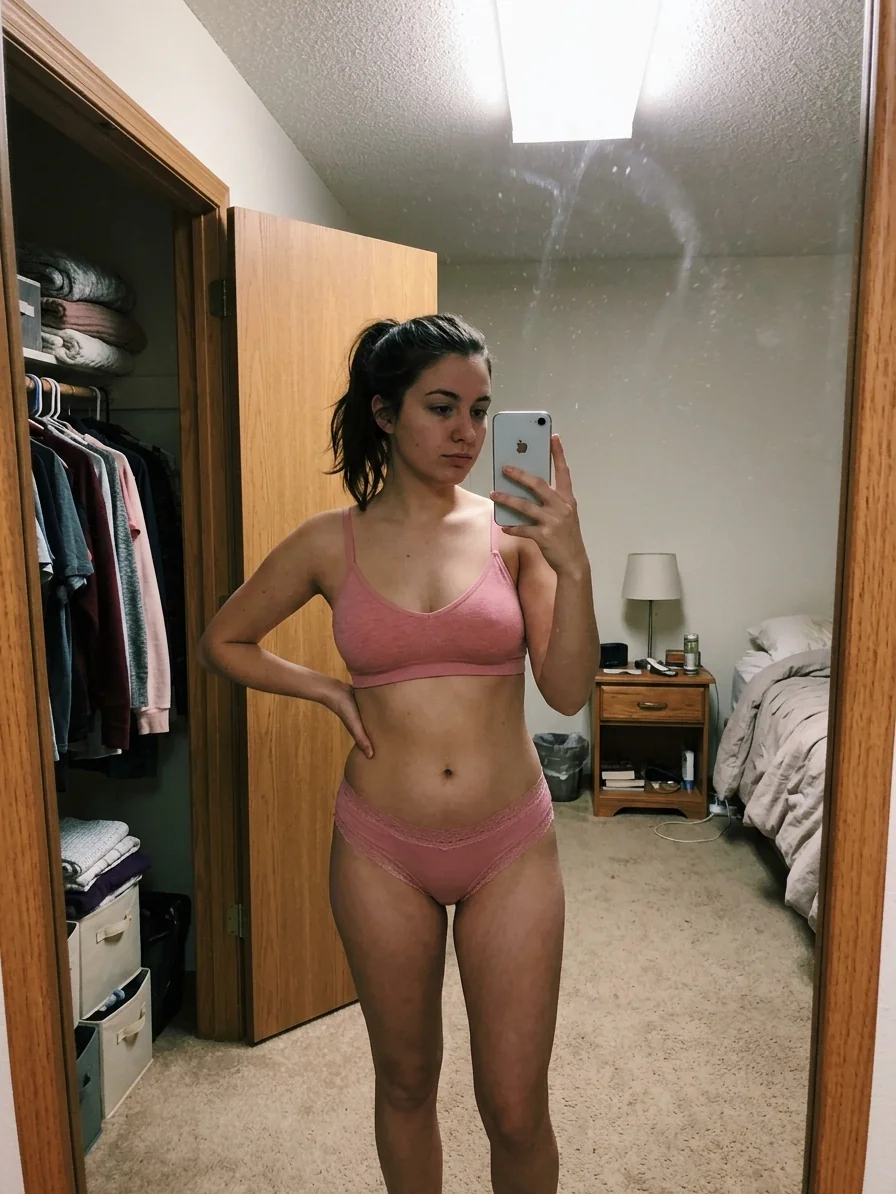
same face, new set, new room
Photo sets
One character becomes a whole set. Same face, new outfit, new room, new angle, as many times as you want to post.
How the same face holds20 credits a render

 creators
Post every day. Shoot none of it. Pick a character, type one line, and get photos and clips back.
Every render lands in your Studio history with the prompt that made it. Download it, upload it, move on to the next one.

poolside, wet hair, nowhere to be
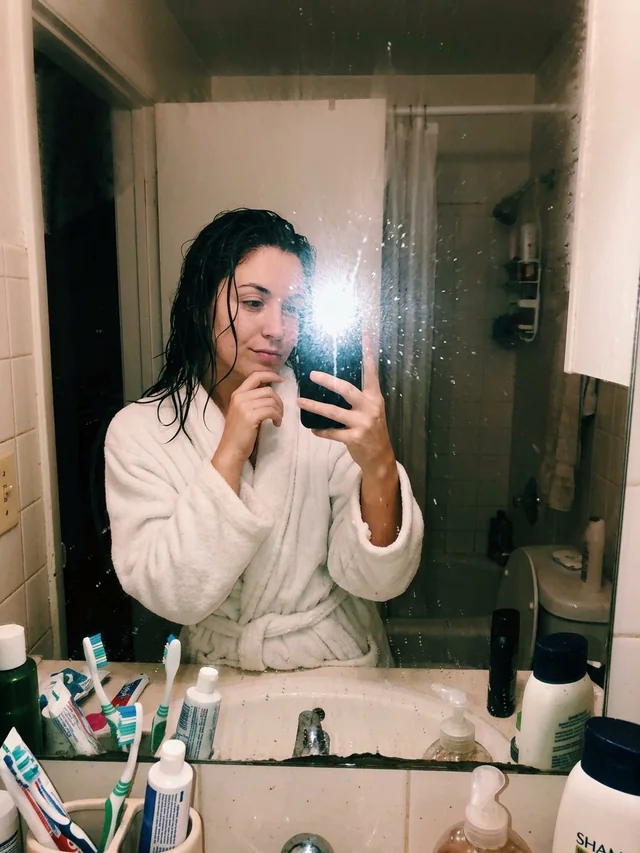
out of the shower, robe on, flash up

morning in bed, lamp still on
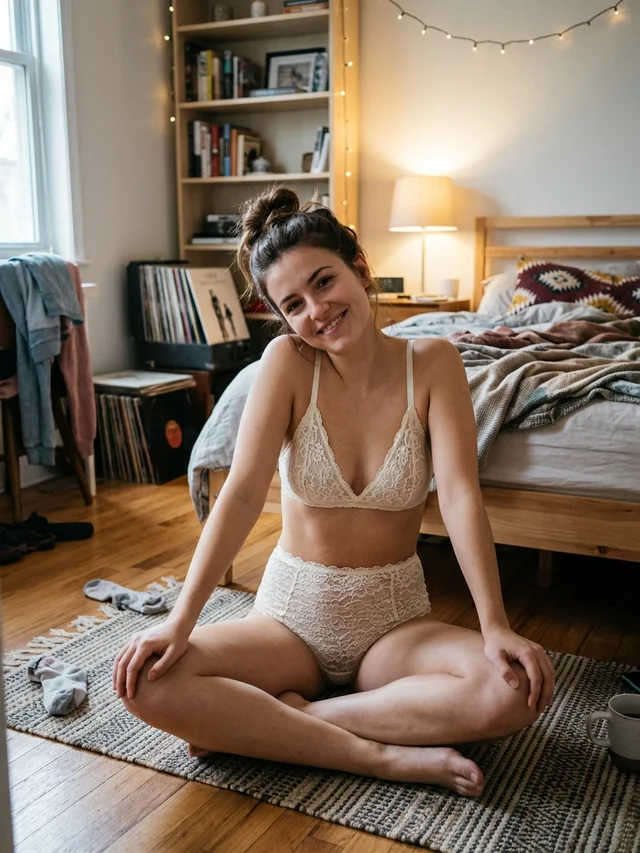
trying on the new set, records still spinning
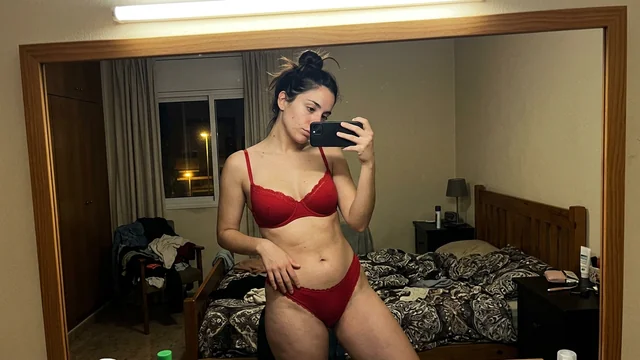
red set, late night, room a mess
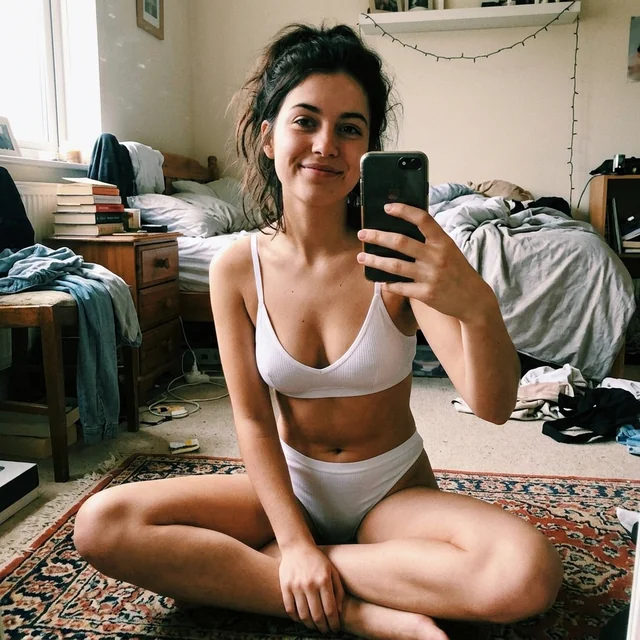
white set, floor mirror, room a mess
black set, lamp on, she turns to camera
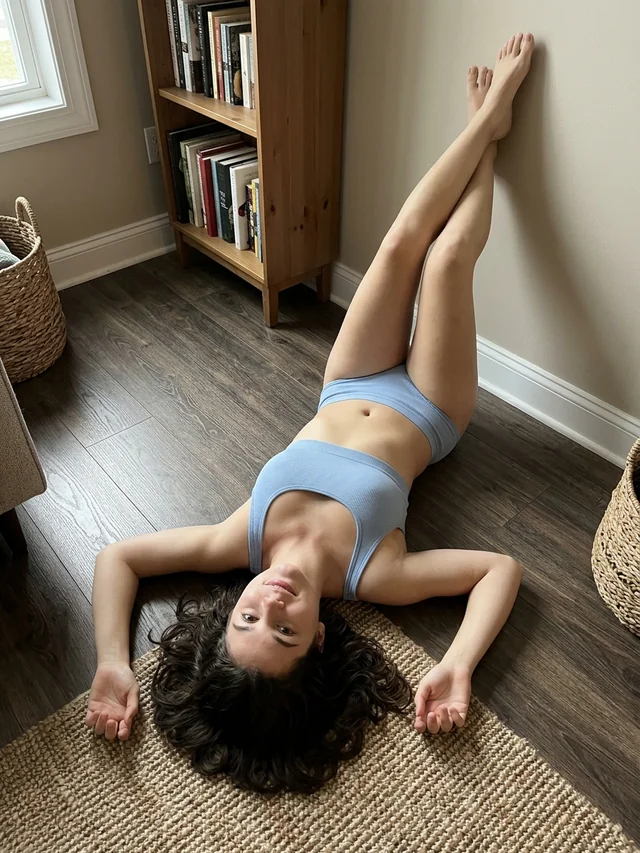
same set, new angle, legs up the wall
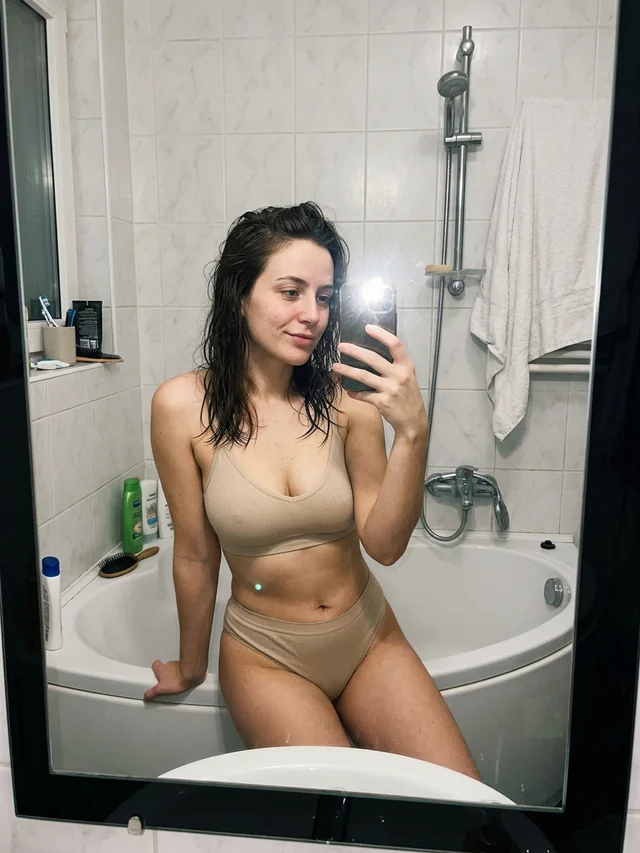
new set, bathroom mirror, hair still wet
grey set, morning bed, camera drifts
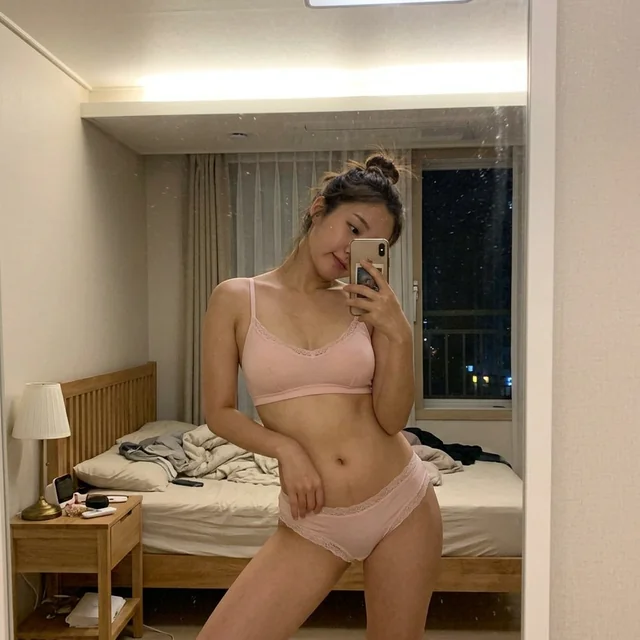
pink set, bedroom mirror, lights on outside
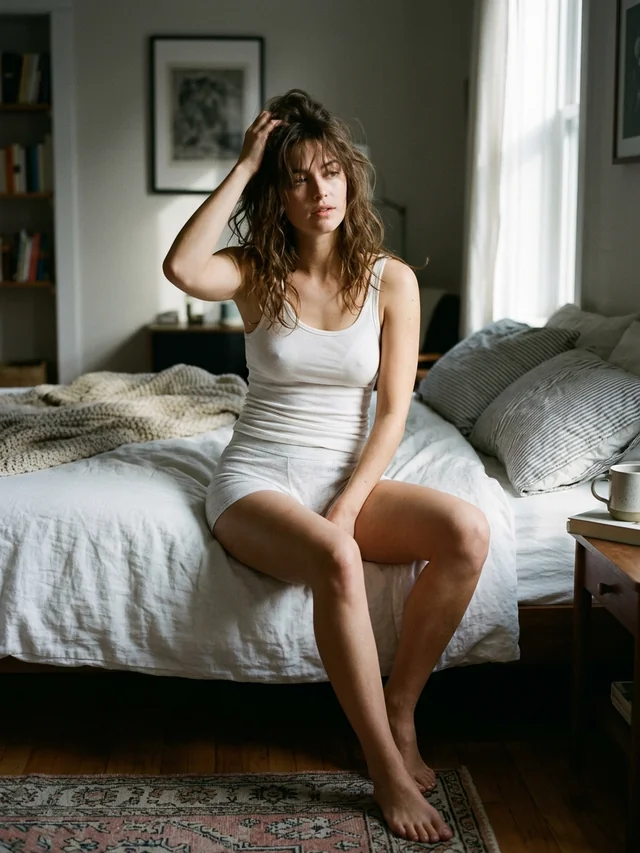
white tank, edge of the bed, morning light
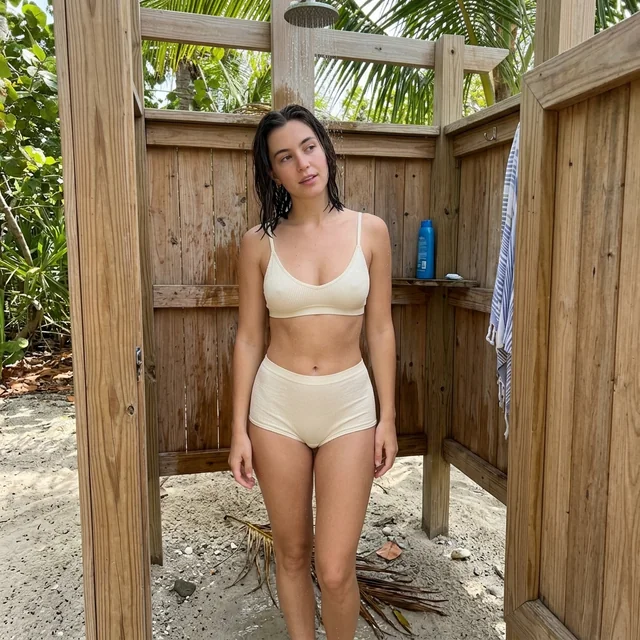
rinse off, palms, salt gone
laughing in the doorway, take one
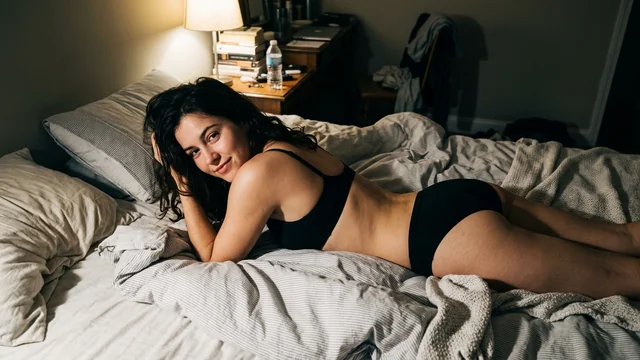
black set, late light, half asleep
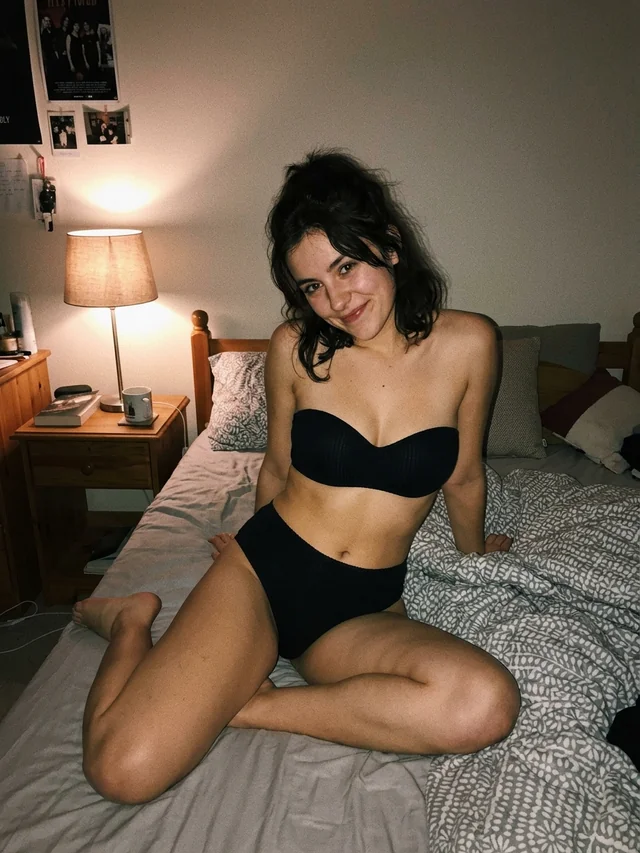
black set, one lamp on
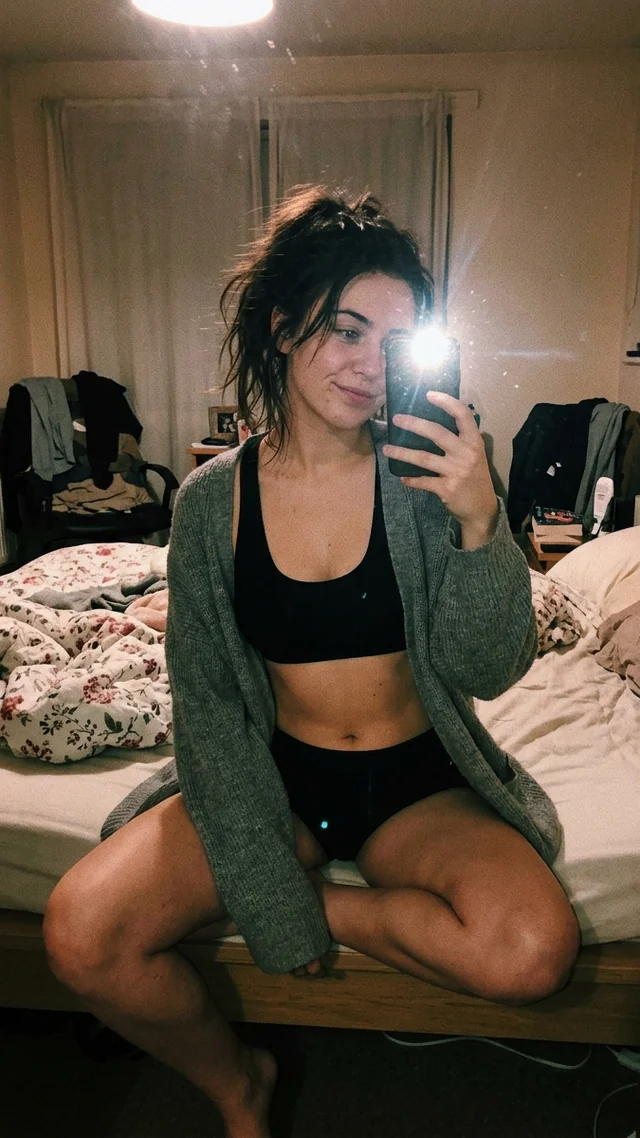
cardigan over the set, mirror, flash
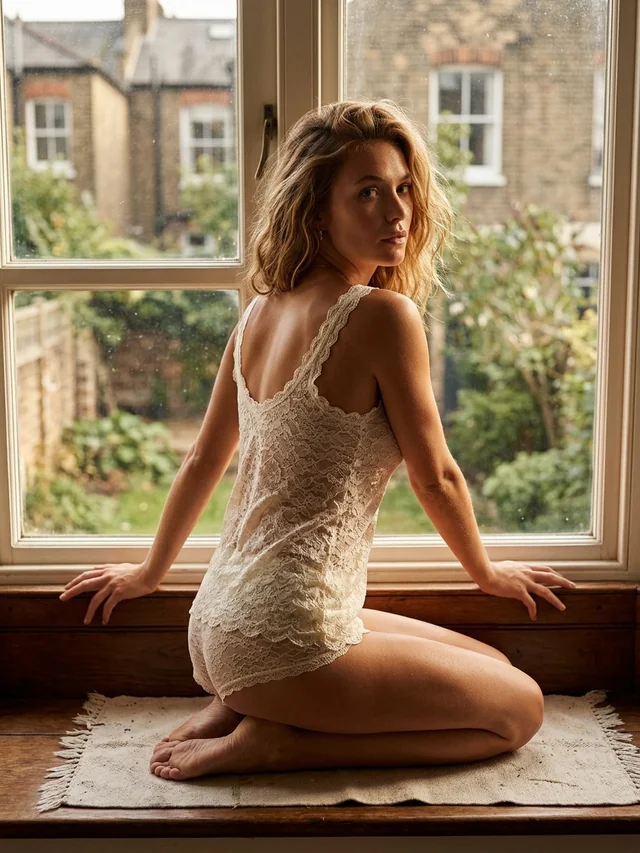
lace slip, morning light at the window
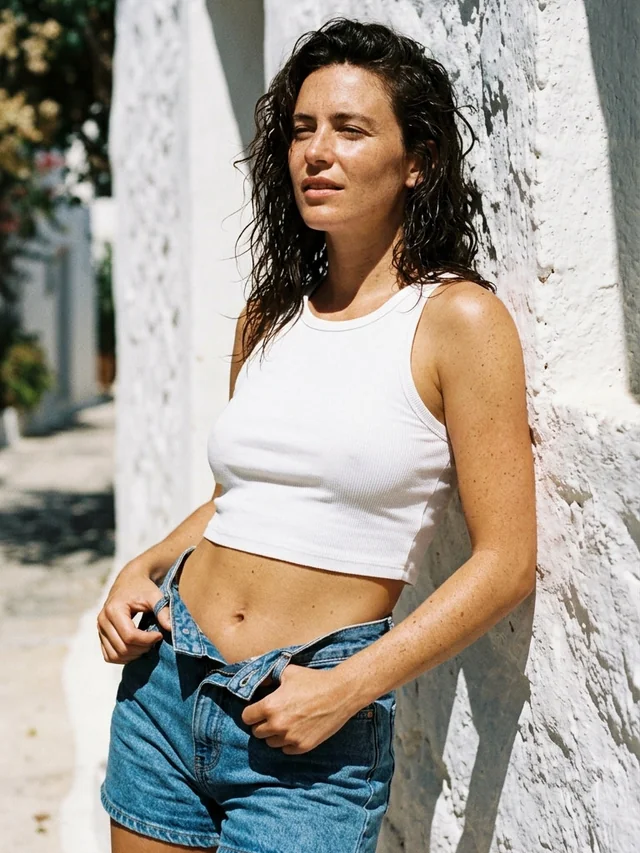
denim shorts, salt still in her hair
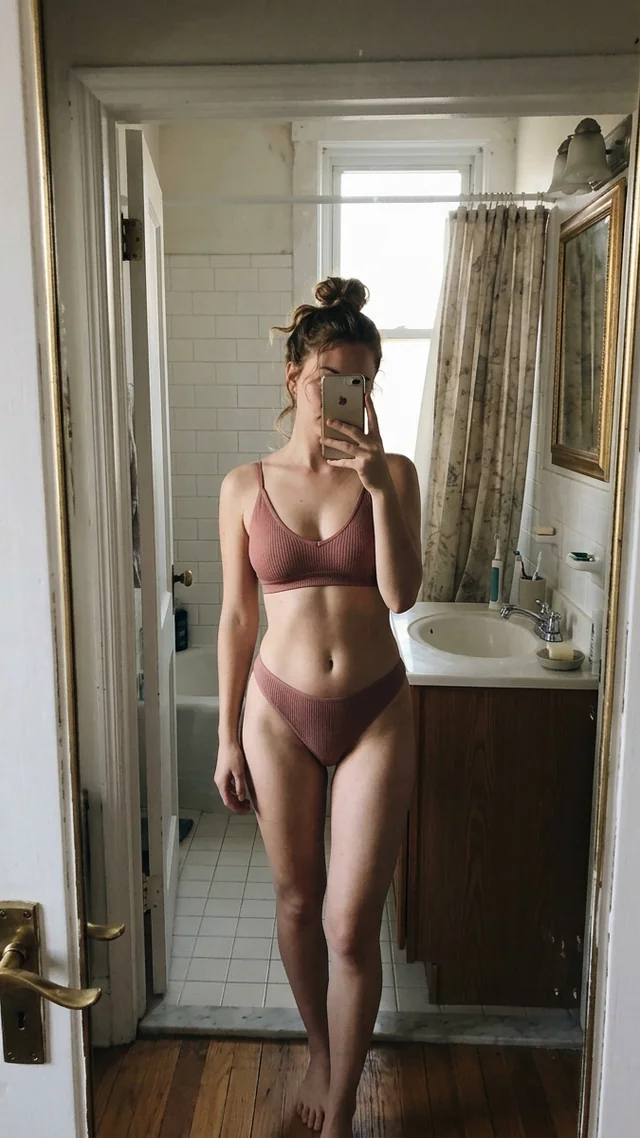
doorway mirror, hair up, morning off
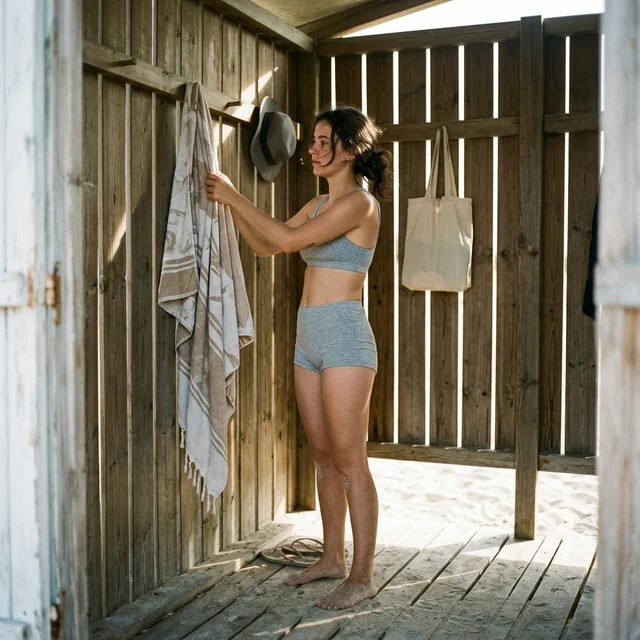
beach hut, towel on the hook
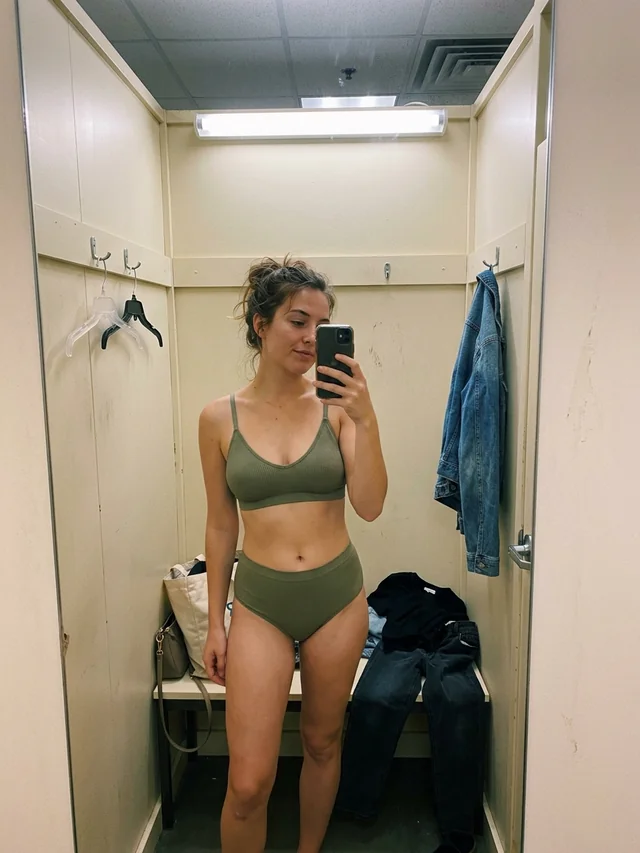
olive set, fitting room, still deciding
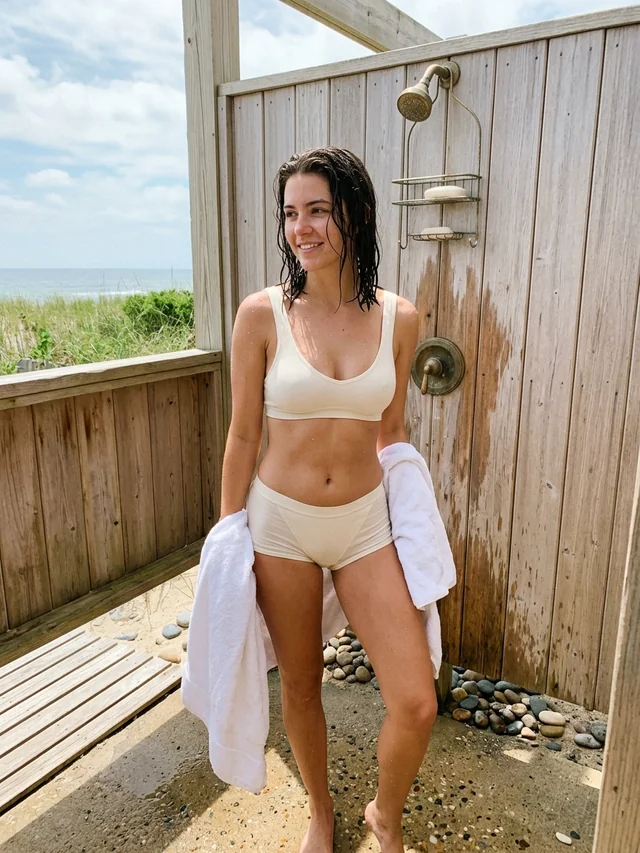
outdoor shower, towel over her arm
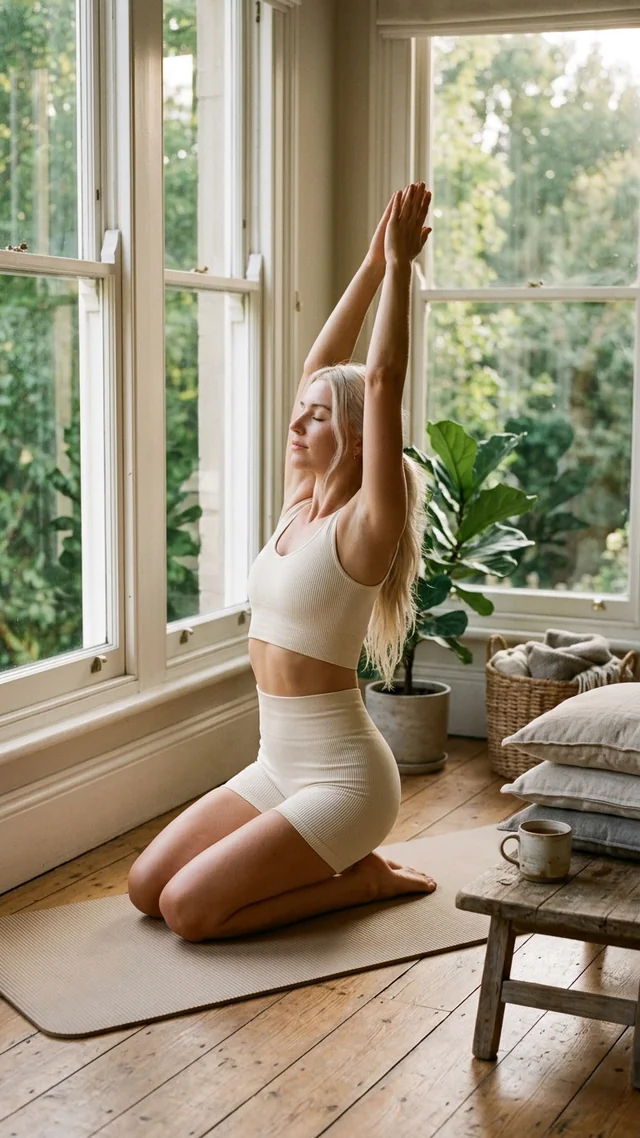
morning stretch, sun through the window
Every one of these started as one line of text
Build your first character freeReady to upload toand everywhere you post
Same workspace, same character, same prompt bar. Switch between them whenever you want.
same face, new set, new room
One character becomes a whole set. Same face, new outfit, new room, new angle, as many times as you want to post.
How the same face holds20 credits a render
same still, now she moves
Make a still move. Say how she moves and how the camera moves, and get a clip short enough to post as a teaser.
More about AI clips20 credits a second
You type into one bar and get back files ready to post.
Build a character once, then pick her from your library. She stays pinned next to the prompt while you work.
Say what you want to see, or how the clip should move. One line of text is the whole brief.
The price sits on the button before you spend it. Renders land in your history, ready to download and upload.
Buy credits once, spend them per render. The exact price sits on the Generate button before you commit.
New accounts start with 50 free credits. Top up whenever you run low.
Short answers to what creators ask before they sign up.
Need more than a short answer? The guides cover platform rules, character consistency, PPV teasers, and what it all costs.
Sign up, build a character, and see what comes back. Credits are pay-as-you-go, so there is no plan to pick.
Start generatingBuilt for18+ only